If you’re creating a Memorial Wall, one of the most helpful things you can do early is record your own video first.
Not because your message has to be perfect. It doesn’t.
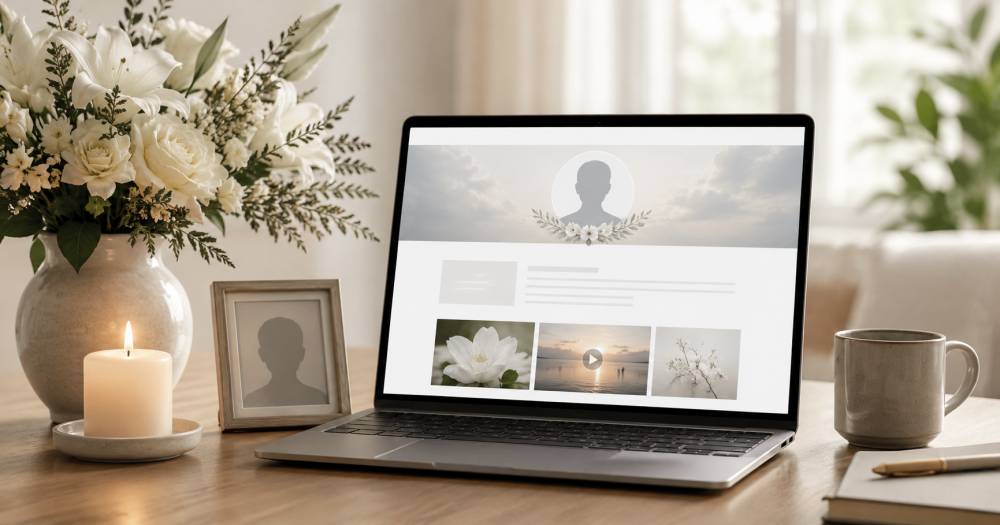
However you choose to remember them, a memorial wall brings loved ones together to share and preserve what mattered most.
Recording first gives you something more useful: calm familiarity. You’ll understand what contributors will see, how long it takes, and what might feel confusing or emotionally difficult for someone who is grieving, nervous, or unsure what to say.
That makes every invite, reminder, and question easier to handle with care.
Why recording first matters for a Memorial Wall
Memorial messages can feel tender. Some people may want to contribute but worry about saying the wrong thing. Others may feel emotional on camera. Some may start and stop several times before submitting.
When you record your own video first, you’ll be able to reassure them from experience.
You’ll know:
-
The process is simple
-
A short message is enough
-
It’s okay if the video is imperfect
-
They can preview and re-record before submitting
-
The most important thing is sincerity, not polish
That confidence matters. You’re not just giving instructions. You’re helping people feel safe enough to share.
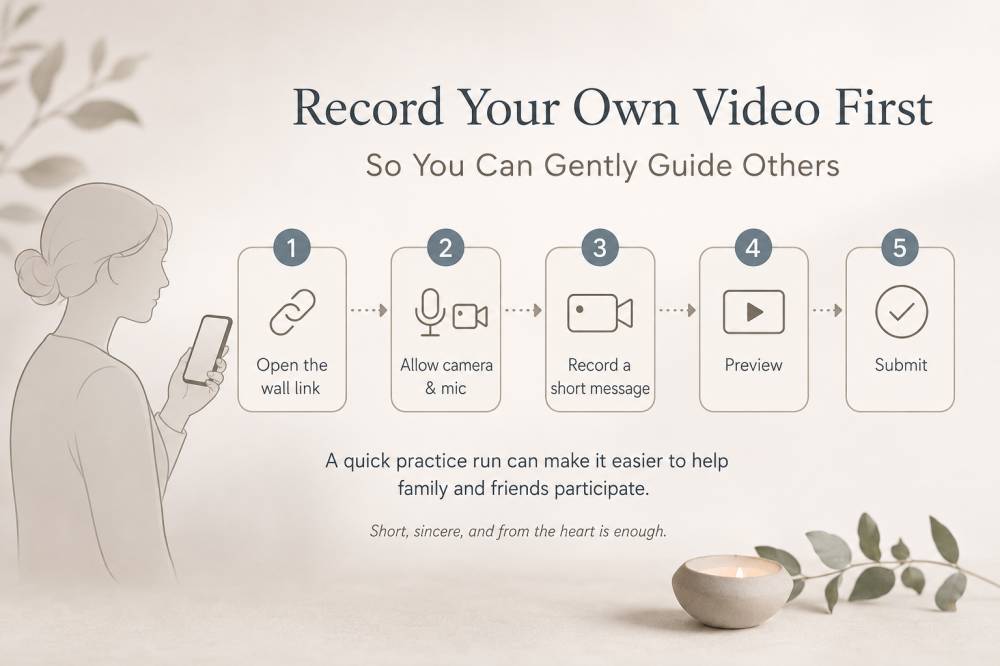
The simple recording process
Most contributors only need to do a few things:
1. Open the Memorial Wall link
This takes them to the place where they can add their message.
2. Allow camera and microphone
If prompted, they’ll tap or click “Allow.”
3. Record a short message
Thirty to sixty seconds is enough. Longer is welcome, but not required.
4. Preview the video
They can watch it back before submitting.
5. Re-record if they want
Many people redo it once, especially for a memorial message. That’s normal.
6. Submit
Once submitted, they’re done.
After you’ve done this yourself, it becomes much easier to tell others, “It’s simple, and you don’t have to make it perfect.”
What to say in your own memorial video
If you’re unsure what to record, keep it gentle and simple.
You might use this structure:
-
Say their name
-
Share one memory
-
Mention one quality you loved or admired
-
Close with a simple line of gratitude or remembrance
For example:
“I keep thinking about how kind she was to everyone around her. One memory I’ll always hold onto is the way she made people feel welcome, even in small moments. I’m grateful I got to know her, and I’ll carry that with me.”
That is enough.
A memorial video does not need to summarize a whole life. It only needs to offer one honest remembrance.
Two simple quality tips
You don’t need a perfect setup. These two things help most:
-
Record somewhere quiet
-
Face a window or soft light if possible
If someone is emotional, that’s okay. If their voice shakes, that’s okay. If they pause, that’s okay too.
A real message is better than a polished one that never gets recorded.
However you choose to remember them, a memorial wall brings loved ones together to share and preserve what mattered most.
Common concerns people may have
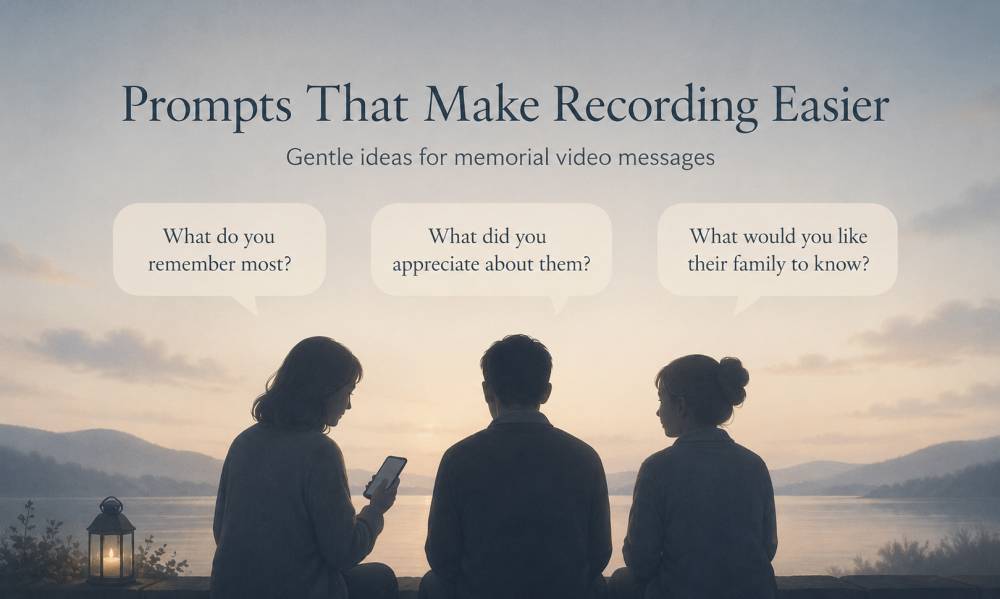
“I don’t know what to say.”
Offer one simple prompt:
“Share one memory, or one thing you’ll always remember about them.”
That gives people a starting point without making the task feel heavy.
“I’m worried I’ll get emotional.”
You can reassure them:
“It’s completely okay if you get emotional. This doesn’t need to be perfect. It just needs to be real.”
“I don’t want to be on camera.”
If they’re uncomfortable, encourage them to keep it short. They may also feel more comfortable writing down a few words first, then recording.
The goal is not performance. The goal is remembrance.
“What if I say the wrong thing?”
A helpful response is:
“You don’t need to say everything. Just share one kind memory or one thing you appreciated.”
That takes the pressure off.
Copy/paste message for contributors
Once you’ve recorded your own video, you can send a gentle note like this:
I recorded my message first so I could understand the process. It’s very simple: open the link, allow camera and microphone, record a short message, preview it, and submit. Even 30 seconds is enough.
If you want to make it even more reassuring, add:
Please don’t worry about making it perfect. A short, honest memory means a lot.
If someone is hesitant, this line helps
I know this can feel emotional. I recorded mine first, and it helped me realize the message doesn’t have to be polished. It just has to be sincere.
That gives people permission to participate without feeling pressured.
Next best action
Record your own memorial video before sending more invites or follow-ups.
Once you’ve done it, you’ll feel calmer. Your instructions will be clearer. And if someone has questions, you’ll be able to guide them gently because you’ve already walked through the process yourself.
For a Memorial Wall, that kind of reassurance matters.
However you choose to remember them, a memorial wall brings loved ones together to share and preserve what mattered most.