If you’re building a wall, one of the smartest things you can do early is record your own video first.
Not because you need to “set the tone” (though it helps), but because it gives you something more useful: certainty. You’ll know exactly what contributors will see, how long it takes, and what might confuse someone who’s camera-shy or busy.
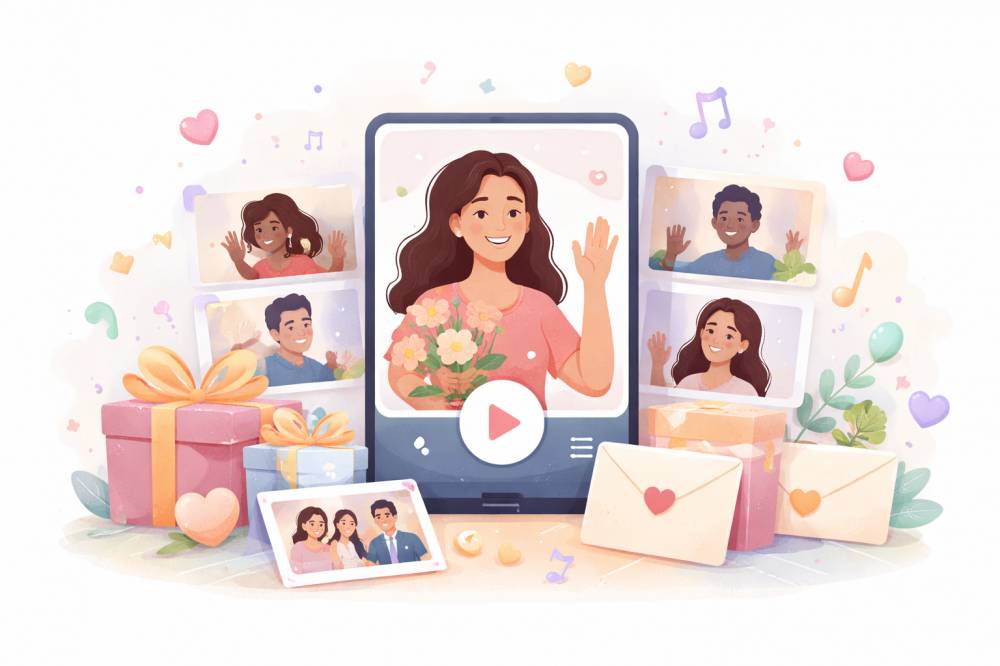
Collect video messages from friends and family into one beautiful wall. Start free — pay only when you deliver.
That confidence makes every invite, follow-up, and question easier to handle.
Why recording first matters
Recording your own video gives you:
-
A real sense of how quick the process is (usually faster than people expect)
-
A better feel for what contributors might get stuck on (camera permissions, hesitation, overthinking)
-
A simple way to reassure others: “I did it—it’s easy.”
It also helps you write better instructions because you’ll be describing something you just experienced, not something you’re guessing at.
The “one-minute” recording process
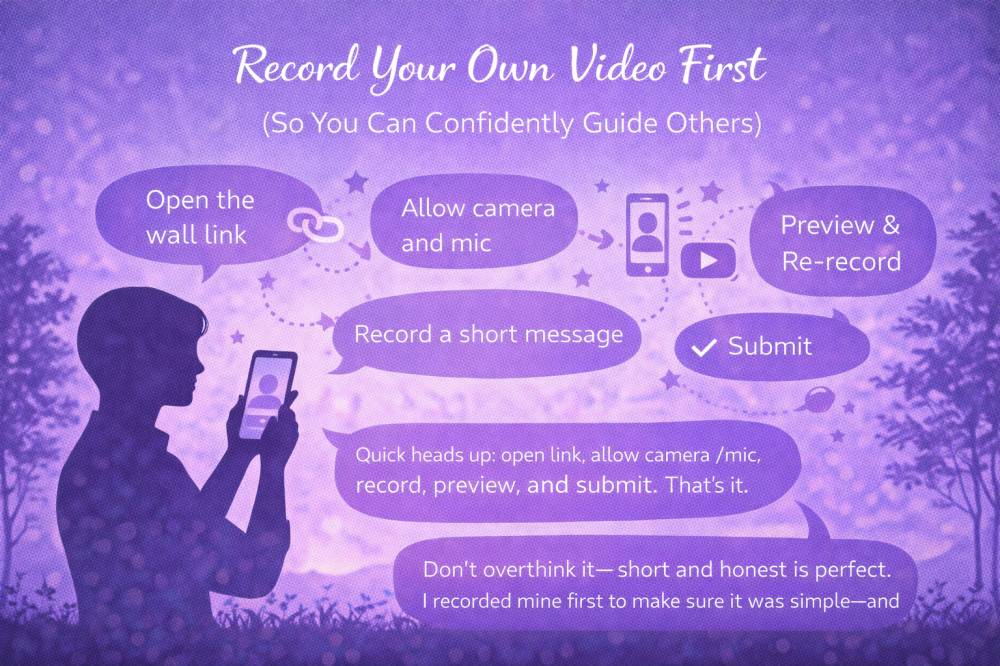
Here’s what most contributors need to do. Your goal is to understand this flow so you can explain it calmly later.
-
Open the wall link
This takes them straight to the place where they can add a message. -
Allow camera and microphone
If prompted, they’ll tap “Allow.”
(This is the most common point where people get stuck—more on that below.) -
Record a short message
30–60 seconds is perfect. Longer is okay, but not required. -
Preview the video
They can watch it back. This reassures people who feel awkward. -
Re-record if they want
Many people redo it once. Totally normal. -
Submit
Once it’s submitted, they’re done.
That’s the entire experience. When you’ve done it once yourself, it becomes easy to tell others: “It’s genuinely simple.”
What to say in your own video
If you’re unsure what to record, keep it basic. The purpose is to learn the process and create a solid anchor message.
A simple structure works:
-
One line of connection (“I’m so grateful for you…”)
-
One memory or appreciation
-
One line looking forward (“I hope the next chapter is full of…”)
Short, sincere, done.
Two tiny quality tips (without making it feel like homework)
If you want your video to look and sound good with zero effort:
-
Face a window or light source
-
Record somewhere relatively quiet
That’s all most people need.
Collect video messages from friends and family into one beautiful wall. Start free — pay only when you deliver.
The most common issues (so you can quickly help)
Camera or mic permission didn’t work
This is usually fixed by:
-
Refreshing the page and trying again
-
Checking that the browser has permission to use camera/mic
-
Trying a different browser
-
Switching to a phone if a laptop camera is acting weird
The person feels awkward and keeps restarting
This is normal. The best reassurance is:
“Short and imperfect is better than long and polished.”
They don’t know what to say
Offer one prompt:
“Share a quick memory, or one thing you appreciate.”
That’s enough.
How to explain the process to others (copy/paste)
Once you’ve recorded your own video, you can confidently send a simple note like this:
Quick heads-up: adding a video is very easy. You just open the link, allow camera/mic, record a short message (even 30 seconds is perfect), preview it, and submit. That’s it.
If you want to reduce anxiety even further:
Don’t overthink it—short and honest is perfect. Even a quick memory or one thing you appreciate means a lot.
If someone is hesitant, this line works
I recorded mine first to make sure it was simple—and it really is.
It’s gentle, true, and reassuring without sounding promotional.
Next best action
Record your own video now—before you send more invites or follow-ups.
Once you’ve done it, you’ll feel calmer, your instructions will be clearer, and you’ll be able to confidently help anyone who gets stuck.
Collect video messages from friends and family into one beautiful wall. Start free — pay only when you deliver.